
The Future of CSS: Modern Styling Techniques
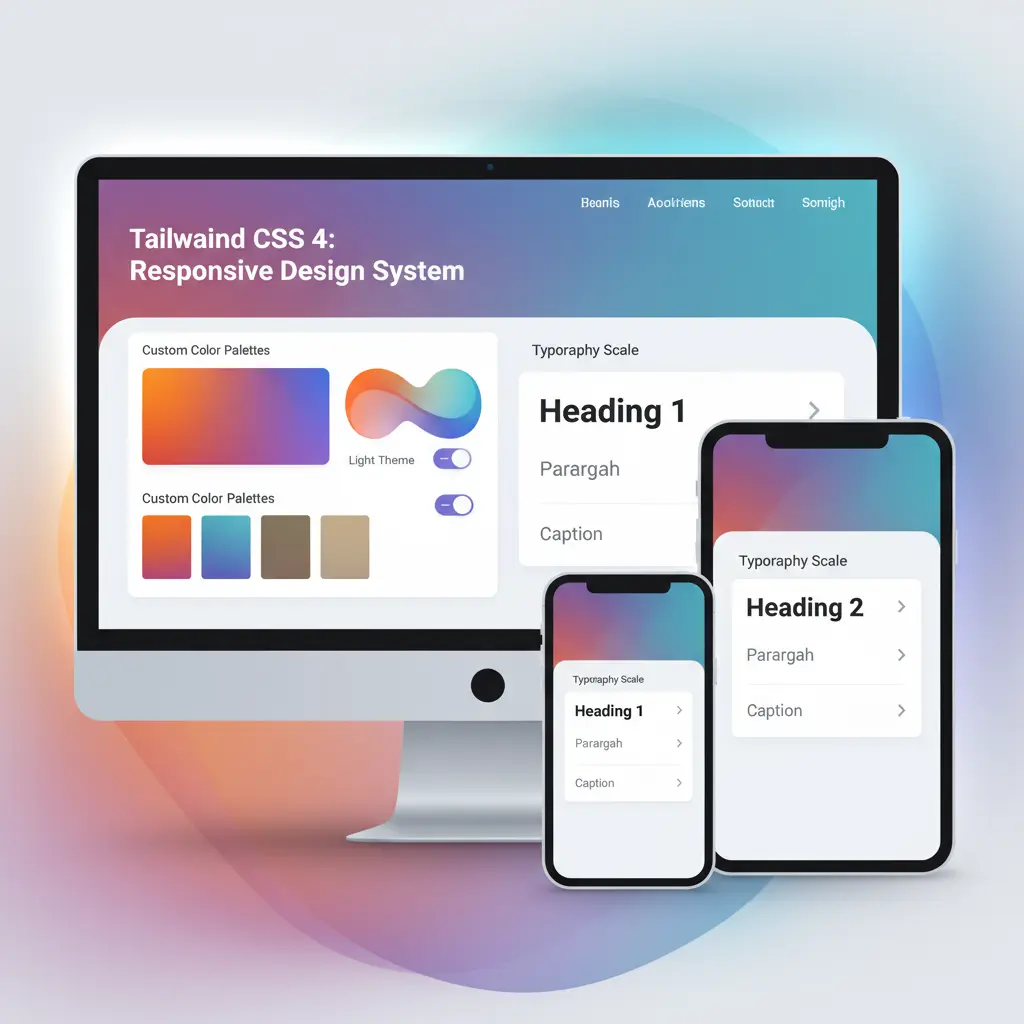
The CSS Revolution is Here
CSS has evolved dramatically over the past few years, moving from a simple styling language to a sophisticated for building responsive, maintainable interfaces. The features being introduced now were unimaginable just a few years ago. Modern CSS allows developers to write cleaner, more efficient stylesheets while delivering better user experiences across all devices.
The transformation spans multiple areas: layout techniques, responsive design, component styling, and browser rendering capabilities. Let's explore the cutting-edge features that are reshaping how we think about CSS.

Container Queries: The Game-Changer
Container queries represent one of the most fundamental shifts in responsive design thinking. For years, we've been constrained to .
🎯 What Changed?
Container queries free us from this limitation by allowing components to respond to their container size rather than the viewport.
Why This Matters for Components
This is for component libraries and reusable UI patterns. Imagine:
- 📦 Card component adapts layout based on available space
- 🔄 Same card displays differently in different contexts
- 📱 Single column in sidebar, multi-column in wider layout
- 🎨 Self-contained styling without external context
The real power: the component controls its own layout—no need for parent components to manage responsiveness.
Container queries are to responsive design what media queries were 15 years ago—a fundamental tool that changes what's possible. They enable true component-driven design systems.

Implementing Container Queries
Using container queries is straightforward. First, establish a container context with container-type: inline-size. Then, within that container's child elements, use @container (min-width: value) to apply styles based on the container's width rather than the viewport.
The syntax is intuitive and feels natural to developers familiar with media queries. The power comes from decoupling component styling from viewport context, making components truly self-contained and reusable in any context.
Cascade Layers: Managing Complexity
As stylesheets grow more complex, managing CSS specificity becomes increasingly challenging. Cascade Layers address this by introducing an explicit layering system for CSS rules. This allows developers to organize styles into logical layers with clear precedence rules.
Before Cascade Layers, specificity battles were common in larger projects. Global styles would conflict with component styles, reset styles would conflict with component styles, and adding new features meant carefully calculating specificity to avoid unintended overrides. Cascade Layers eliminate this problem entirely.

Layer Organization
A well-organized cascade typically includes these layers: reset styles (lowest precedence), global theme styles, utility styles, component styles, and state/override styles (highest precedence). Each layer operates independently, and styles within a layer never conflict with other layers due to specificity wars.
This architecture makes stylesheets more maintainable and predictable. Team members can add styles to the appropriate layer without worrying about affecting other parts of the system. Debugging CSS becomes simpler because the precedence rules are explicit rather than implicit.
Subgrid: Nested Layout Mastery
CSS Grid introduced a layout system, but nested grids sometimes felt disconnected from their parent grid. Subgrid solves this by allowing child grid items to participate in the parent's grid track layout. This creates seamless alignment across nested components.
With Subgrid, you can align items across multiple levels of nesting without creating disconnected layouts. This is particularly valuable for complex interfaces like forms, dashboards, and data tables where perfect alignment across nested levels creates a more polished appearance.
Advanced Color Features
CSS now supports an expanded color space with features like CSS Color Module Level 4. This brings support for lab() and lch() color functions, allowing designers to work in perceptually uniform color spaces. The implications are profound for color harmony and accessibility.
Additionally, color-mix() functions allow blending colors directly in CSS without preprocessing tools. This simplifies color systems and makes dynamic color theming more and accessible.
Performance Considerations
While these new features are , understanding their performance implications is . Container queries, for example, have minimal performance impact with modern browsers. Cascade Layers have no performance cost—they're purely a developer experience enhancement.
The key is knowing when and where to use these features. Each serves a specific purpose, and using them appropriately results in cleaner code and better performance, not worse.
Browser Support and Adoption
Modern browsers have excellent support for these CSS features. Container queries are widely supported in Chrome, Firefox, Safari, and Edge. Cascade Layers are also well-supported across modern browsers. For projects targeting older browsers, progressive enhancement strategies ensure graceful degradation.
The Future Looks Bright
CSS continues to evolve, with even more exciting features in the pipeline. Cascade layers, container queries, and advanced color features represent just the beginning. The future of CSS promises even more tools for building beautiful, performant, and maintainable interfaces.
The message is clear: CSS is no longer just a styling language. It's a sophisticated for building responsive, component-based interfaces that adapt intelligently to any context. The future of web design is here, and it's written in CSS.